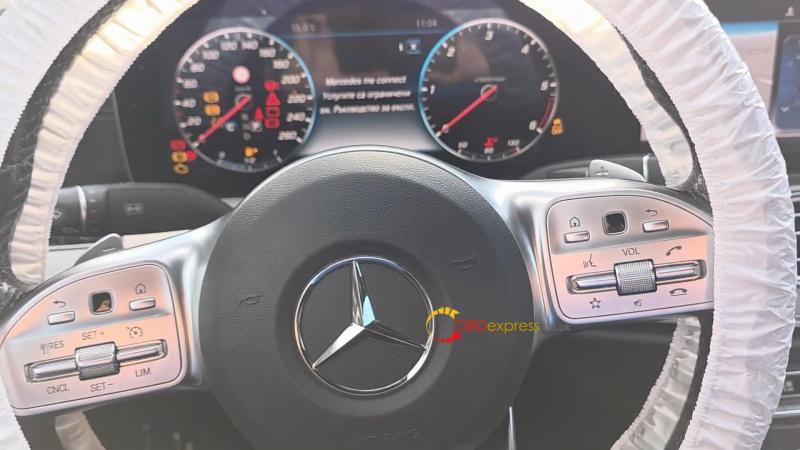
If you want to verify the actual mileage of a Mercedes-Benz E-Class W213, the LAUNCH X431 PAD 7 diagnostic tool makes the process straightforward. Follow these clear steps to read the true odometer data stored in the vehicle’s ECM.
NOTE: The LAUNCH X431 PAD7 can only view vehicle mileage and modify records, but cannot modify mileage.
Step-by-Step Guide:
- Connect the LAUNCH X431 PAD 7 to the vehicle and power it on.
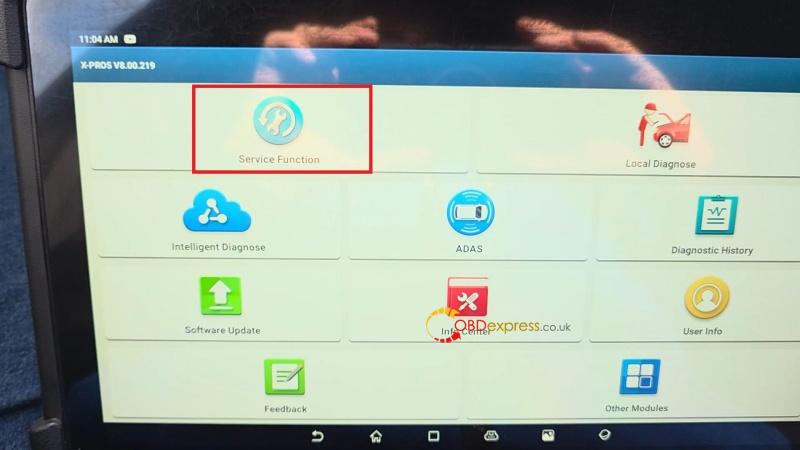
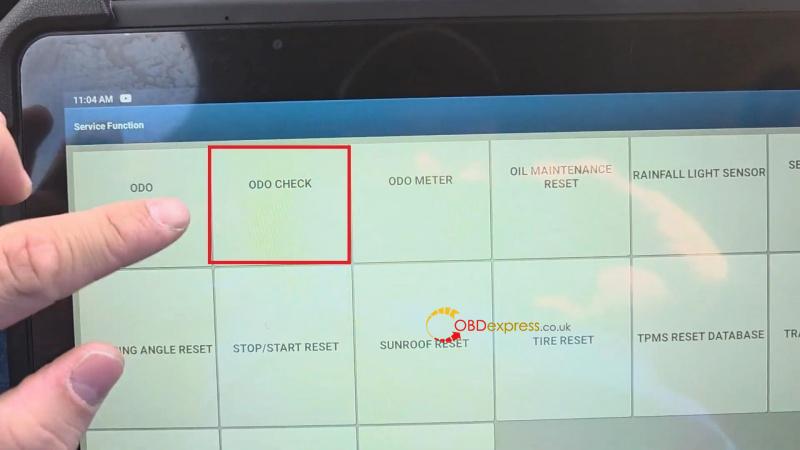
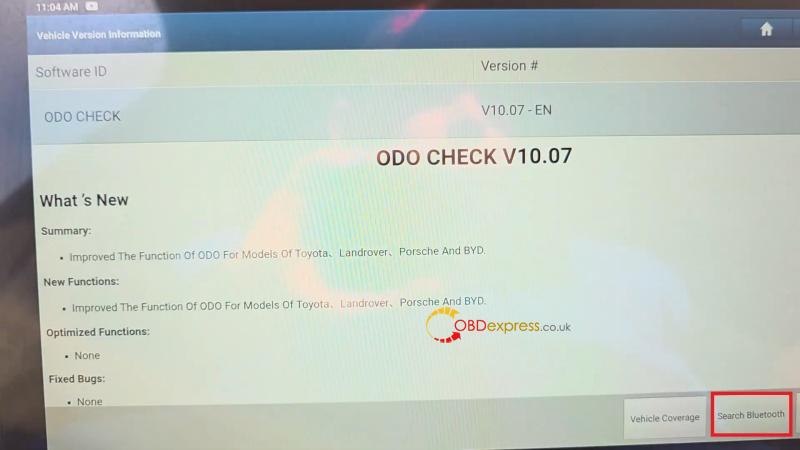
- Go to Service Function > select ODO CHECK, choose Search Bluetooth to link with the car’s system.
- Wait while the device reads the VIN — this may take a moment.
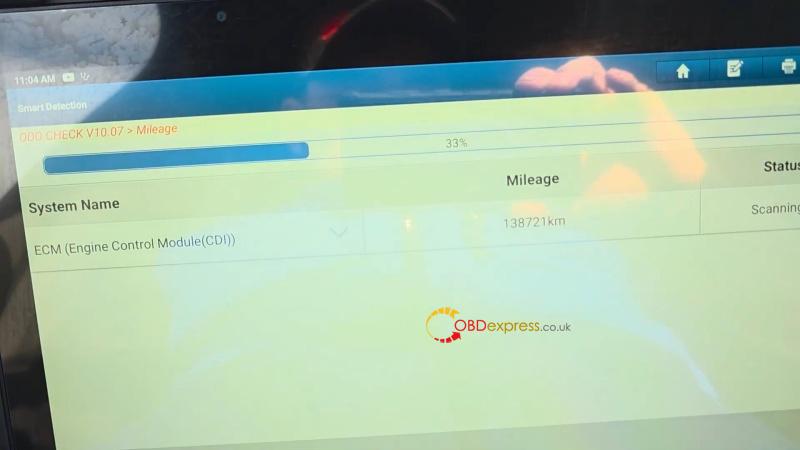
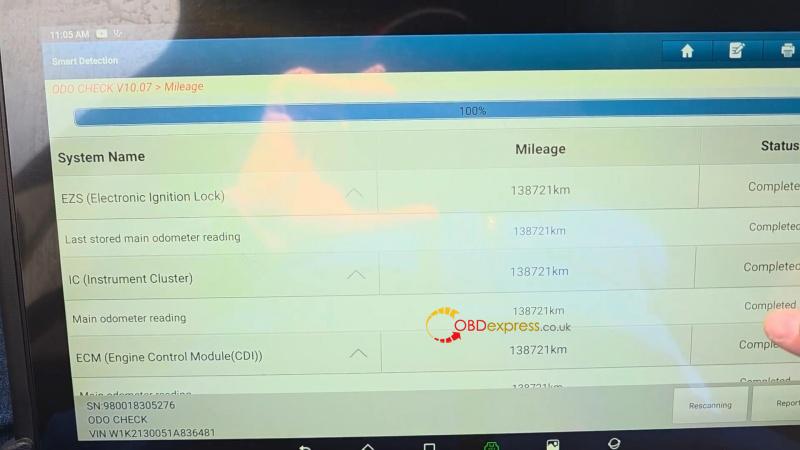
Allow the system to complete the ECM scan until it reaches 100%.
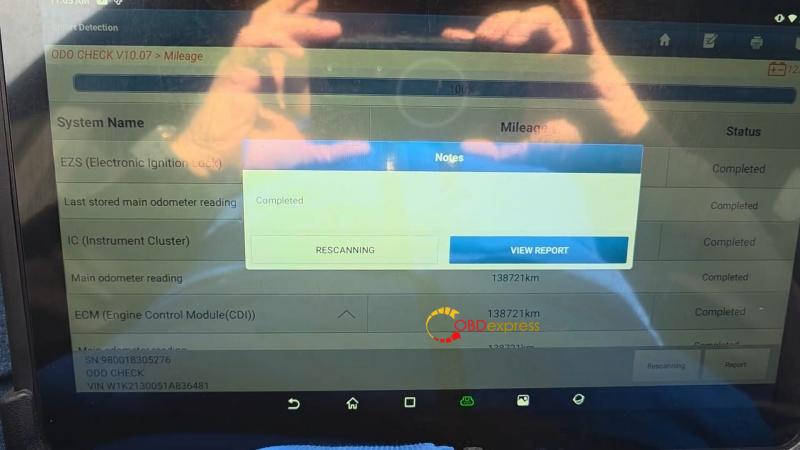
- The real mileage stored in the ECM will be displayed (e.g., 138,721 km).
You can view or save the report for your records.
The X431 PAD 7 will also show all historical mileage entries, providing full transparency.
Using the LAUNCH X431 PAD VII is a reliable way to confirm a vehicle’s true mileage, helping you avoid odometer fraud and make informed decisions when buying or selling a Mercedes-Benz E-Class.
